

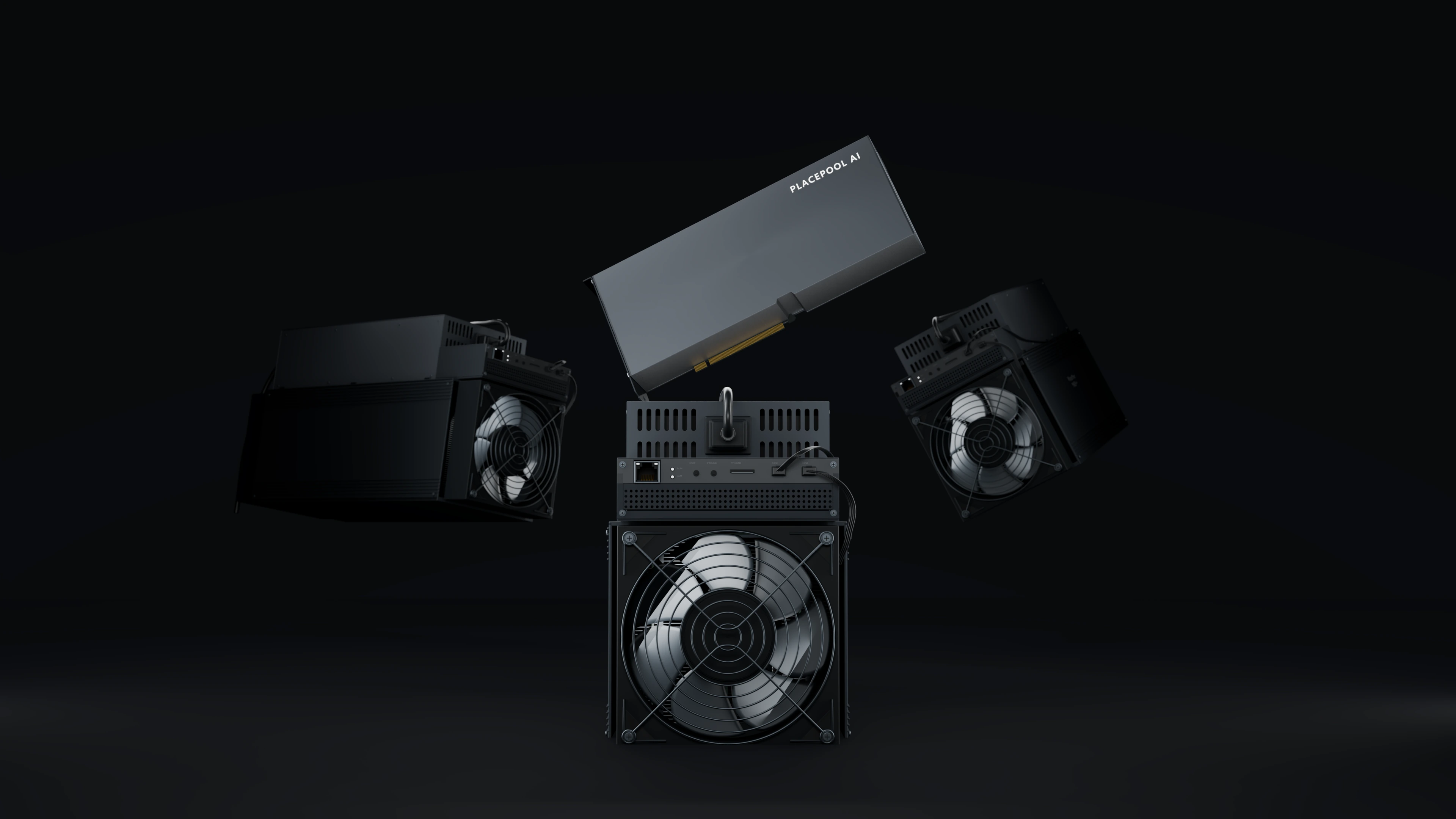





Keep hardware in sight
Hashrate, activity and accepted shares for every worker. See which equipment needs your attention.
Connect your hardware, track hashrate and manage payouts. Everything you need, in one focused mining dashboard.
01 / COINS
Pool conditions and income estimates, together. Open a coin to calculate an estimate for your hardware.
| Coin / algorithm | Price | Fee FPPS / SOLO | Model | Calculator |
|---|---|---|---|---|
| — | —/— | — | ||
| — | —/— | — | ||
| — | —/— | — | ||
| — | —/— | — | ||
| — | —/— | — | ||
| — | —/— | — | ||
| — | —/— | — | ||
| — | —/— | — | ||
| — | —/— | — | ||
The model and fee apply to the selected coin. Available mining modes are shown in your dashboard.
02 / YOUR DASHBOARD
Hashrate, activity and accepted shares for every worker. See which equipment needs your attention.
Rewards, processing balances and completed payouts, organised into clear, separate views.
Telegram event notifications and a support conversation right inside your dashboard.
Check your equipment from a computer or phone. The interface adapts to your screen.
03 / GET STARTED
Register and verify your account details.
Open a coin in your dashboard and check the mining mode.
Copy the Stratum address, worker name and password to your miner.
Track hashrate, worker activity and reward history.
04 / REWARDS AND PAYOUTS
Withdrawal timing and availability depend on the coin and transaction status.
View payout conditionsThe reward scheme is shown for each coin. SOLO is available for supported coins and credits the reward for a confirmed block you find.
Set a wallet for the correct network and configure available withdrawal settings under Payments.
Review rewards, amounts and payout statuses. Processing balances are shown separately.
05 / FAQ
Start with the essentials. For help with your account, use support chat inside the dashboard.
Community chatPLACEPOOL is a mining pool with a dashboard for monitoring hashrate, workers, balances and payouts.
BTC, LTC, DOGE, BCH, ETC, ZEC, DASH, KAS and XMR. Merged mining is labelled in the coin list when provided by the pool data.
Create an account, choose a coin and copy the Stratum address, worker name and password from your dashboard into your hardware settings.
The model and fee depend on your coin and selected mode. Your dashboard shows rewards, processing balances and payout history. Set your wallet and available withdrawal options under Payments.
Estimated income based on your hashrate, network difficulty, block reward and pool fee. Electricity costs are not deducted. The result does not guarantee future income.
The pool data lists Litecoin with Dogecoin and Monero with Tari. You can check rewards and available balances in your dashboard.
Registered users can message support inside the dashboard. For general questions, join the PLACEPOOL Telegram community.
PLACEPOOL
Create an account. Find everything you need to connect inside your dashboard.